 Android from 20 October · iOS coming soon
Your whole workday, in your pocket
The BusinessHRM app puts attendance, tasks, timesheets, leave and team messages on your phone. It signs in to the same workspace you use on the web, so everything you do on the go is already there when you sit back down.
 Launching 20 October 2026 App Store: coming soon
- Free, no ads, no in-app purchases
- 5 languages, including Arabic RTL
- Same data as the web app

In short
BusinessHRM for Android is the free companion app to the BusinessHRM web platform. Employees use it to check in, time their tasks, apply for leave and message the team. Managers use it to approve requests and see who is in today. It needs a BusinessHRM workspace, which you can create free on the web.
Check in from wherever the work is
Start the day from your phone. The home screen shows your timer, office hours and this week's shifts, so nobody has to ask what time they are on.
- Check in and out, and take breaks, from one screen
- Location checks at check-in, only when your company turns them on
- Start and stop timers on tasks and review your timesheets
Projects and tasks in your pocket
The same boards your team uses on the web, sized for a phone. Switch between list, Kanban and calendar views and keep work moving between meetings.
- See projects, task boards and deadlines
- Update tasks, comment and @mention teammates
- Calendar view of everything due this month

HR self-service without the email chain
Employees apply for leave and follow the approval. Managers approve or reject on the go, so requests stop waiting for someone to get back to a desk.
- Apply for leave and track its status
- Request loans and see the repayment schedule before you apply
- Approve leave and loan requests as a manager

Stay connected with the team
Messages, channels and notifications live in the same app as the work, so a question about a task sits next to the task.
- Direct messages and team channels
- Employee directory and company notices
- Events, tickets, contacts and deals

Take a look around the app
Real screens from the Android app, with demo data.
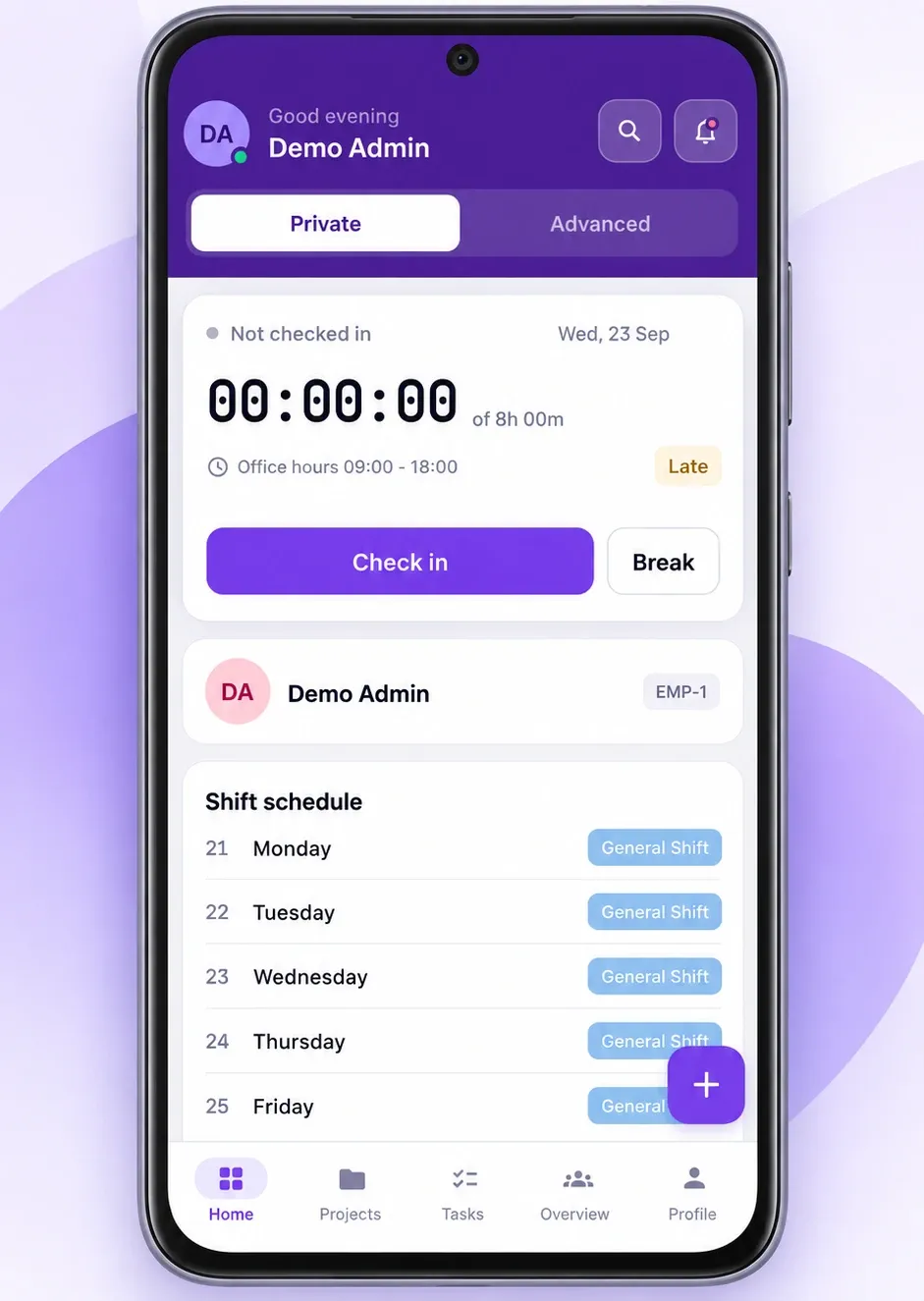
Home and check-inCheck in, track time and view your shift. 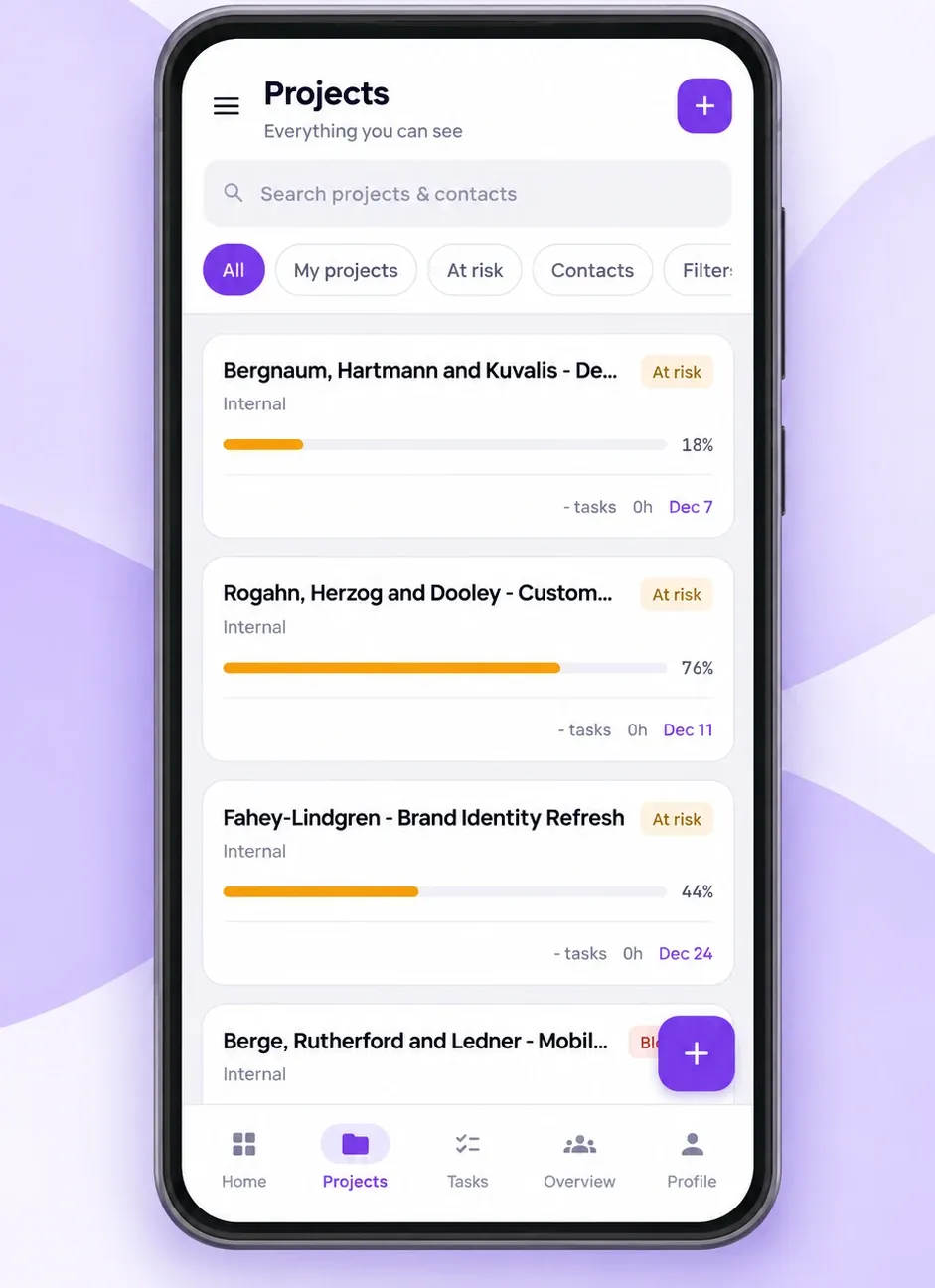
ProjectsFollow progress and spot what is at risk. 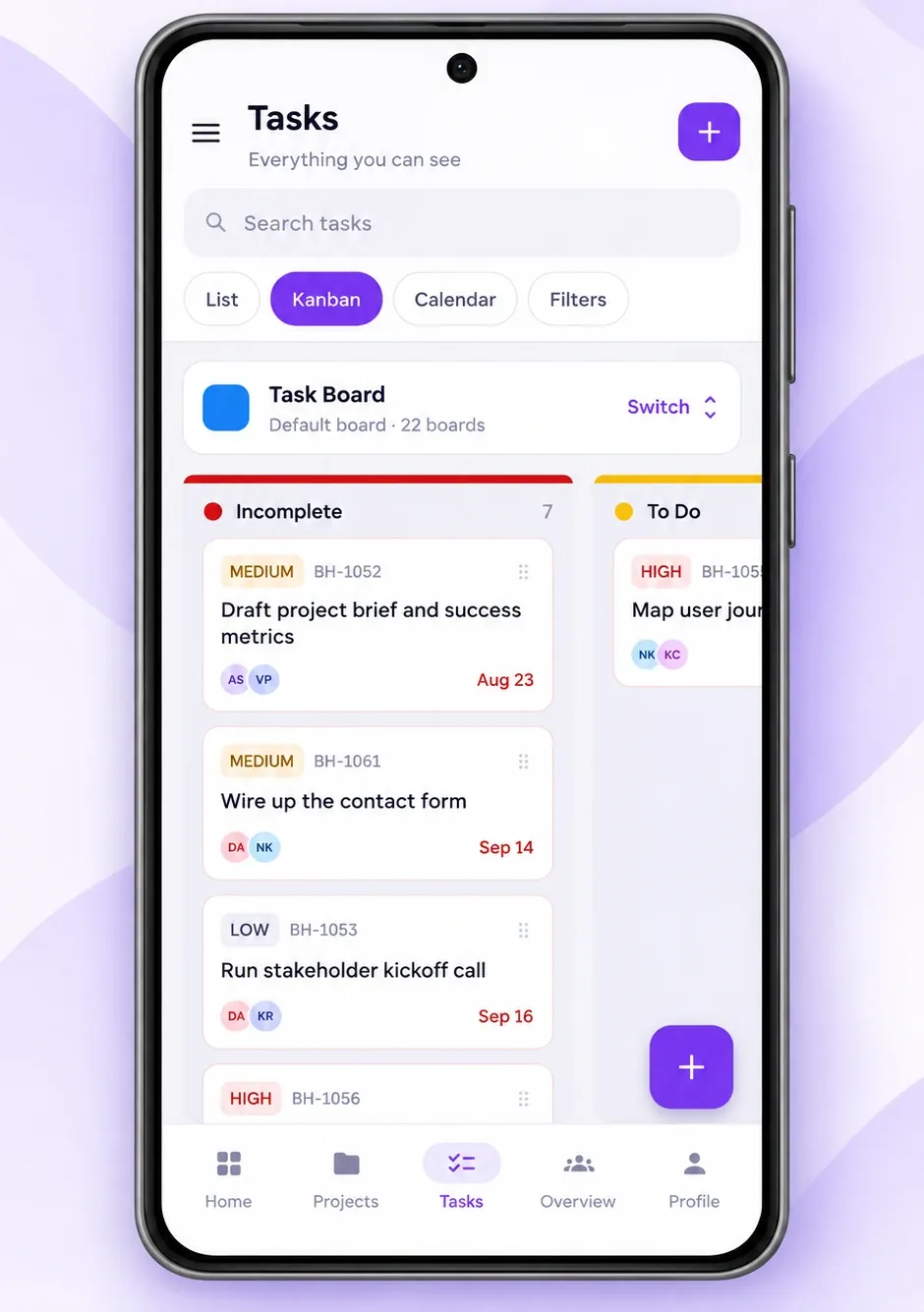
Task boardMove work across a Kanban board. 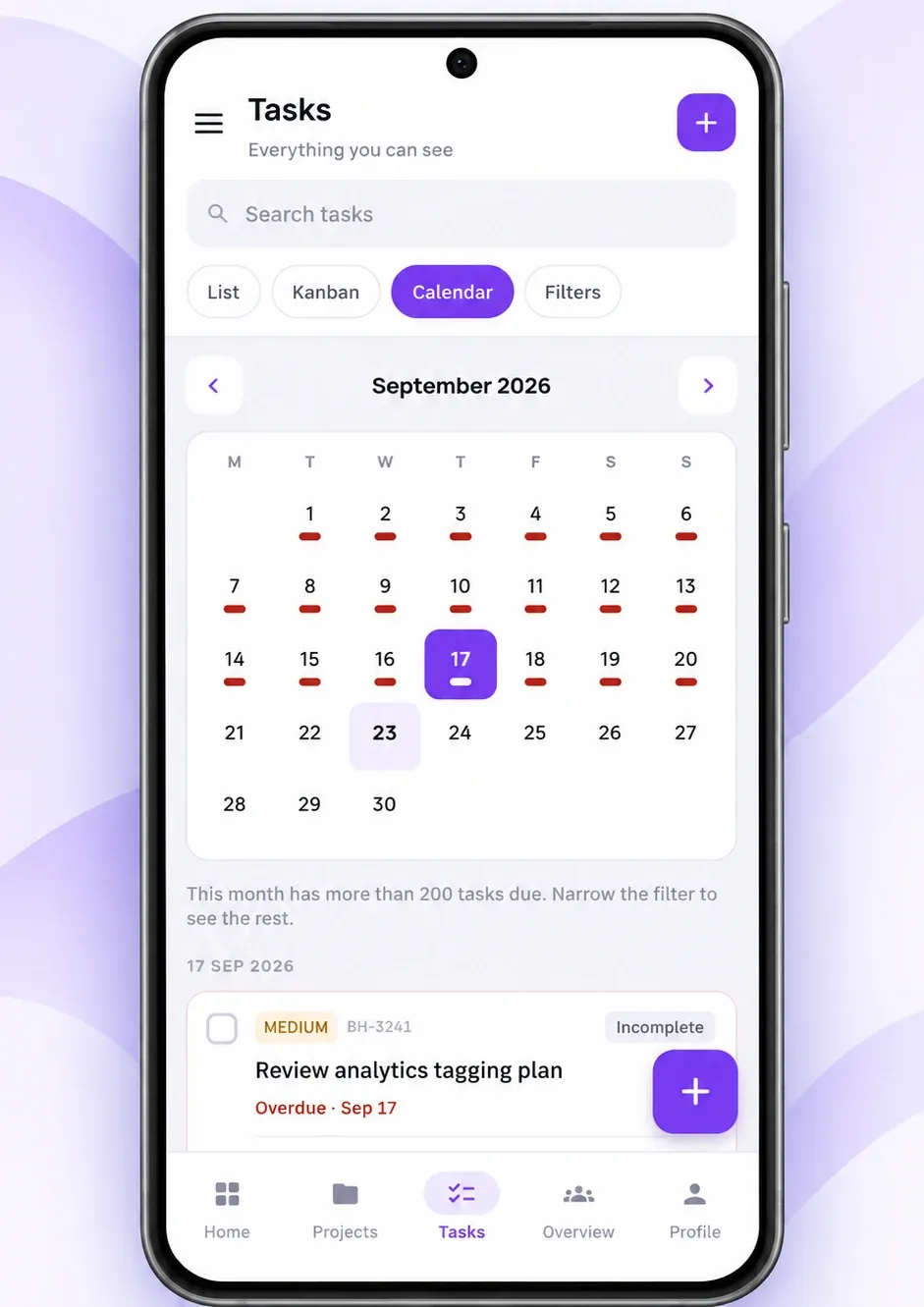
Task calendarSee what is due, day by day. 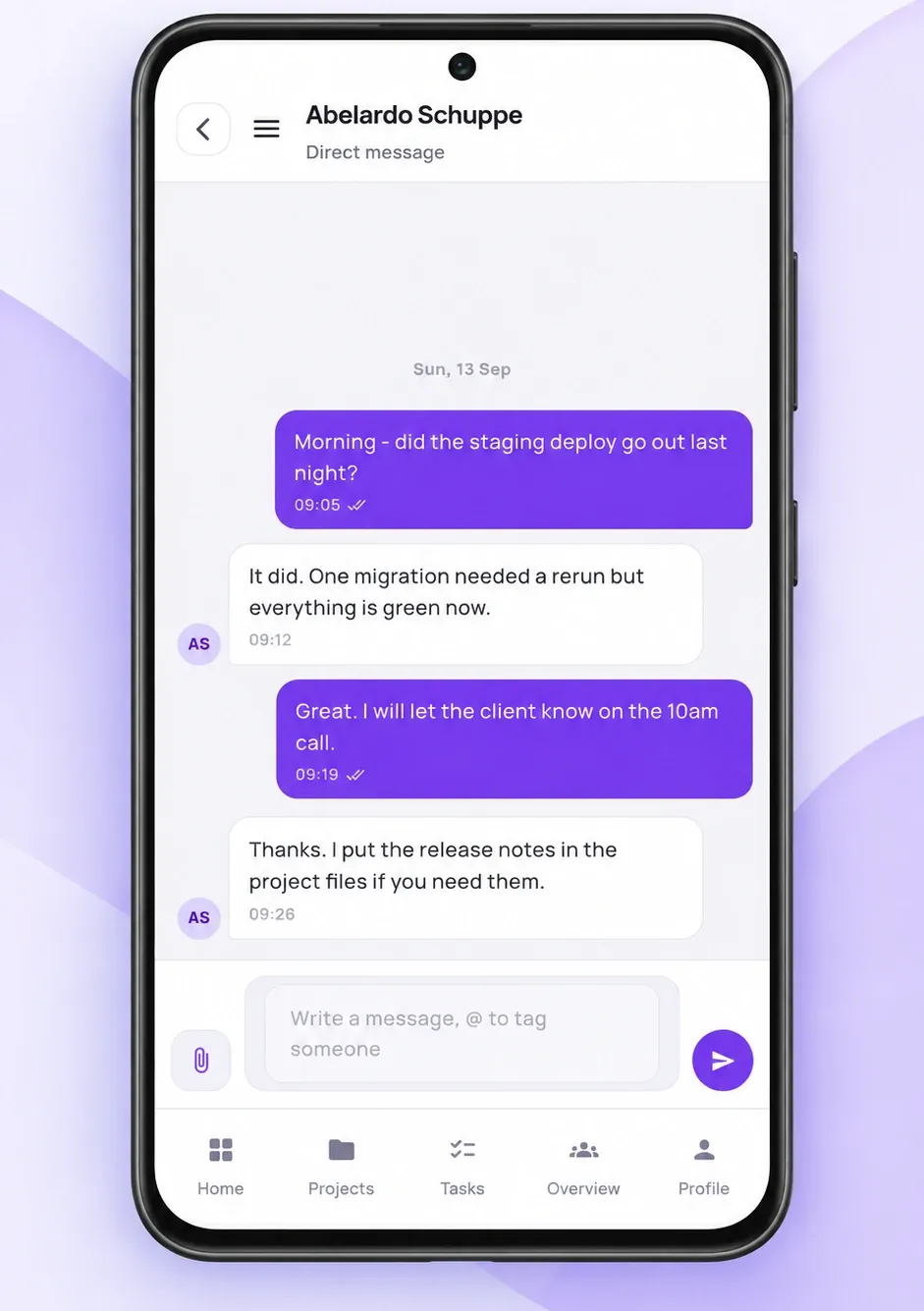
MessagesTalk to your team wherever work takes you. 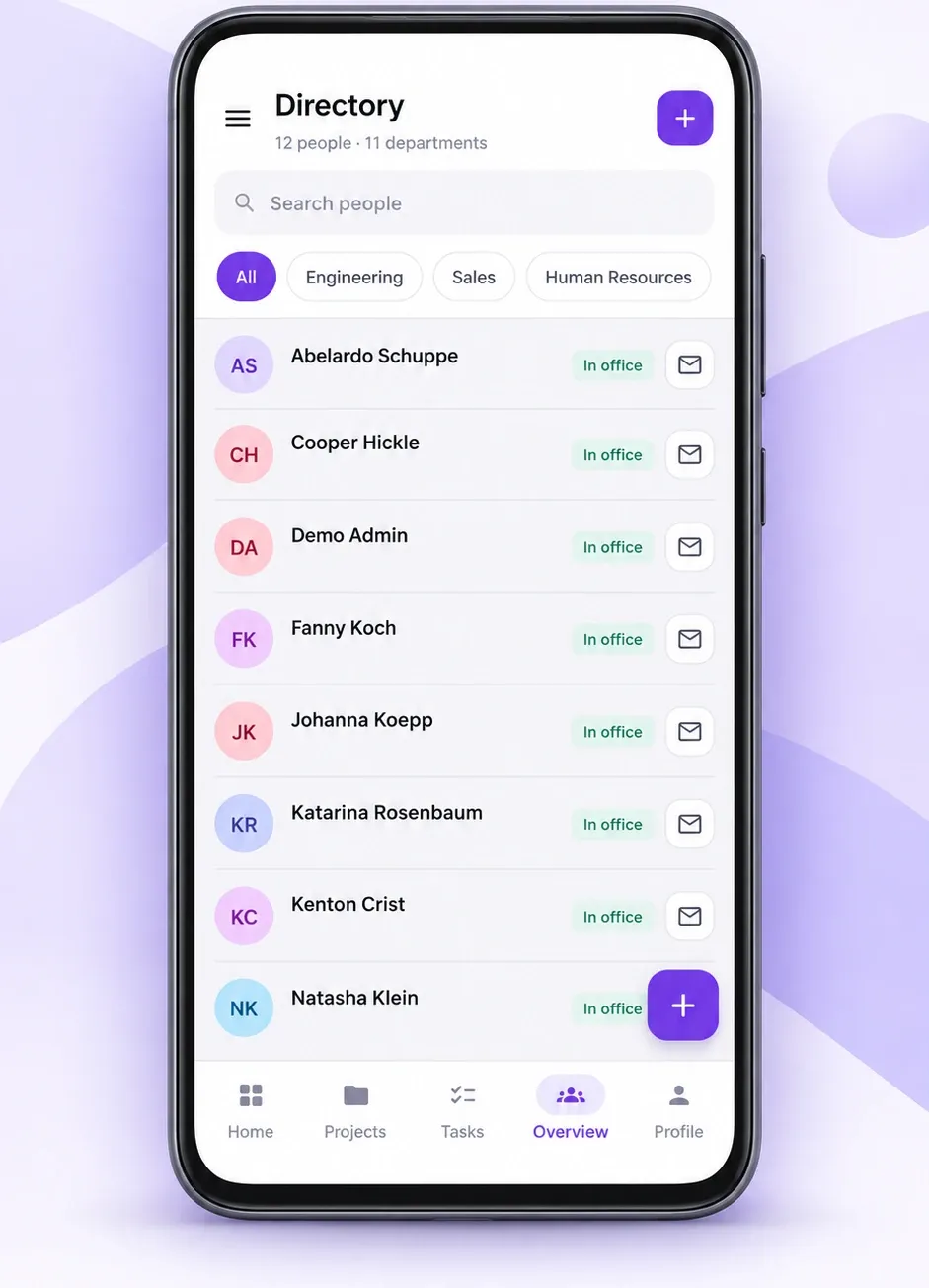
DirectoryFind a colleague by name or department. 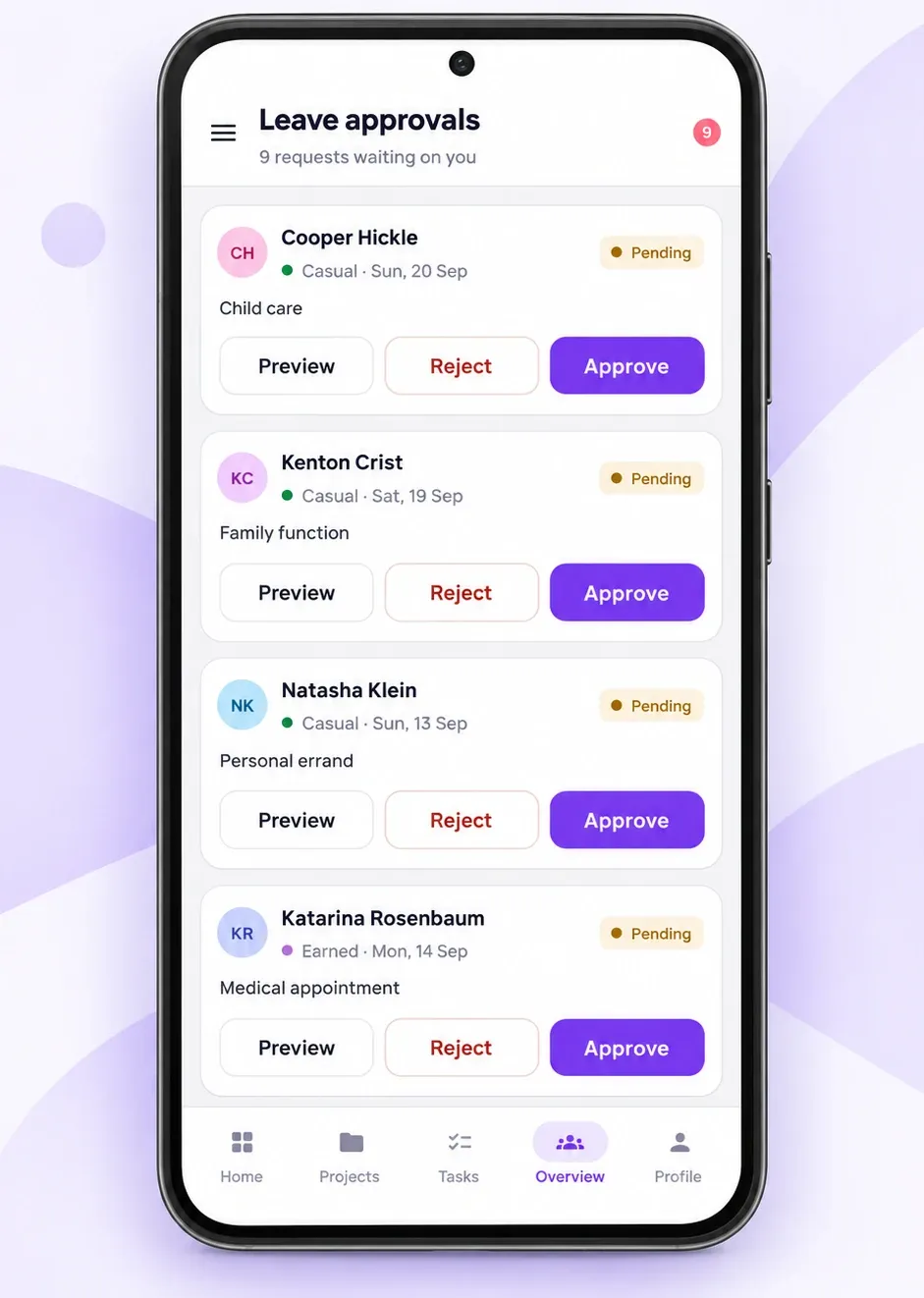
Leave approvalsApprove or reject requests in a tap.


One workspace, three ways in
Each app does the job it is best at, and they all write to the same records.
Web app
Everything: setup, payroll runs, invoicing, reports and admin. Works in any modern browser, including on iPhone.
Open the web appMobile app
Check-in, task timers, approvals, messages and the directory. Built for the moments away from a desk.
Launching 20 October 2026Desktop tracker
Automatic time tracking with activity levels, idle time and optional screenshots, for Windows.
Download for WindowsMobile app questions
Is the BusinessHRM mobile app free?
Yes. The Android app is in Google Play review and launches on Google Play on 20 October 2026. It is free to download, with no ads and no in-app purchases. It signs in to your BusinessHRM workspace, and the workspace plan (including the free Starter plan) is managed on the web.
Is there an iPhone app?
The iOS app is on its way to the App Store. Until it is live, iPhone users can use the full BusinessHRM web app in Safari, and this page will link to the App Store as soon as it is approved.
Do I need a BusinessHRM account to use the app?
Yes. Every screen sits behind sign-in to a company workspace. If your company is not on BusinessHRM yet, you can create a free workspace on the web first, then sign in on your phone.
Does the app track my location?
Only at check-in, and only if your company has turned on a location check for attendance. The app does not track location in the background.
Does the mobile app replace the desktop time tracker?
No, they do different jobs. The phone app handles check-in, task timers, approvals and messages. Activity levels, idle time and optional screenshots come from the Team Tracker desktop app for Windows.
Which languages does the app support?
English, Arabic, Spanish, Hindi and Chinese, with full right-to-left layout for Arabic.
Set up your workspace, then take it with you
Create a free BusinessHRM workspace on the web, invite your team, and use it on the web today. The Android app joins on 20 October 2026.
Free forever for unlimited users. No credit card required.